问题点
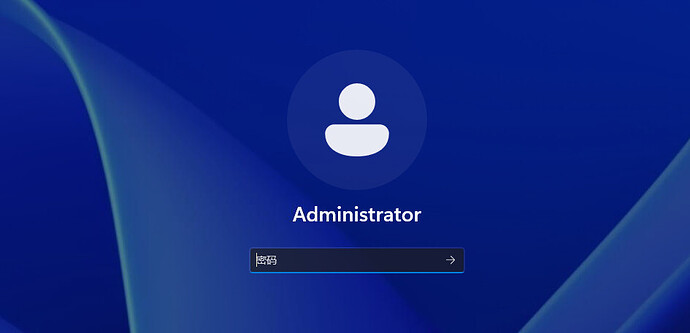
领到免费云电脑后,使用tailscale进行虚拟组网,开启远程连接,会发现无法连接到这个电脑。
原因和解决方案
Windows Server 当前没有可供 RDP 使用的 Remote Desktop 自签名证书。
解决方案
Step 1:恢复 RDP 自签名证书存储配置
以管理员身份打开 PowerShell,执行:
New-ItemProperty `

  -Path 'HKLM:\SYSTEM\CurrentControlSet\Control\Terminal Server\WinStations' `

  -Name 'SelfSignedCertStore' `

  -PropertyType String `

  -Value 'Remote Desktop' `

  -Force
验证:
Get-ItemProperty `

  'HKLM:\SYSTEM\CurrentControlSet\Control\Terminal Server\WinStations' `

  -Name SelfSignedCertStore
期望:
SelfSignedCertStore : Remote Desktop
Step 2:启动 RDP 证书生成相关服务
执行:
Start-Service CryptSvc

Start-Service KeyIso

Start-Service SessionEnv

Start-Service CertPropSvc
然后检查:
Get-Service CertPropSvc,KeyIso,CryptSvc,SessionEnv |

Format-Table Name,Status,StartType
这些服务的 Startup Type 不一定全部是 Automatic。
关键点是:
它们应该能够正常启动,而不是 Disabled 或启动时报错。
Step 3:确认基础 RDP 配置
执行:
Set-ItemProperty `

  -Path 'HKLM:\SYSTEM\CurrentControlSet\Control\Terminal Server' `

  -Name 'fDenyTSConnections' `

  -Value 0
执行:
Set-ItemProperty `

  -Path 'HKLM:\SYSTEM\CurrentControlSet\Control\Terminal Server\WinStations\RDP-Tcp' `

  -Name 'fEnableWinStation' `

  -Value 1
确认端口:
Get-ItemProperty `

  'HKLM:\SYSTEM\CurrentControlSet\Control\Terminal Server\WinStations\RDP-Tcp' `

  -Name fEnableWinStation,PortNumber
期望:
fEnableWinStation : 1

PortNumber        : 3389
Step 4:启用 Windows 防火墙 RDP 规则
执行:
Get-NetFirewallRule |

Where-Object {$_.Name -like "RemoteDesktop*"} |

Enable-NetFirewallRule
然后重启电脑就能正常连接了


 user341 09-03 14:501楼
 丁丁 09-03 14:562楼
 我再也不抽奖了 09-03 14:585楼
 nian0114 09-03 15:107楼
 少发帖,少被举报 09-03 15:108楼
 secs 09-03 15:2011楼