开源推广
本帖使用社区开源推广,符合推广要求。我申明并遵循社区要求的以下内容:
- 我的帖子已经打上 开源推广 标签: 是
- 我的开源项目完整开源,无未开源部分: 是
- 我的开源项目已链接认可 LINUX DO 社区: 是
- 我帖子内的项目介绍,AI生成、润色内容部分已截图发出: 是
- 以上选择我承诺是永久有效的,接受社区和佬友监督: 是
以下为项目介绍正文内容,AI生成、润色内容已使用截图方式发出
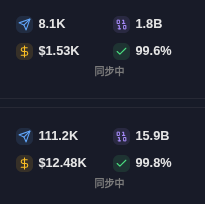
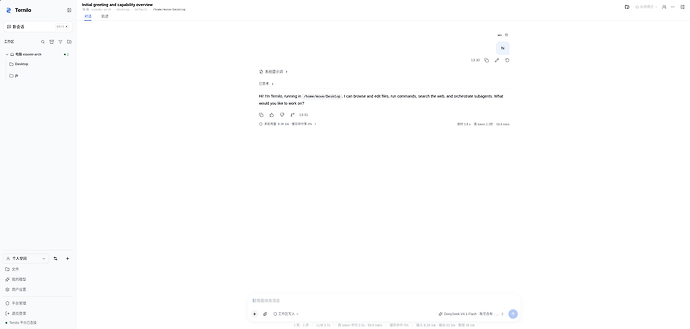
各位佬友,之前看到dsh发布时,体验了一翻,感觉不错,而且是网页版,当时我就想既然都是网页版了,为啥不能手机上操作,试了反代很麻烦,就想着自己造个轮子,界面参考的dsh的,然后加了很多额外的功能,软件完全开源,前前后后消耗了177亿的gpt-6-astra ultra模式token。
本地harness:ternilo ^-^ 服务器数据流转,提供远程访问能力:ternilo-server
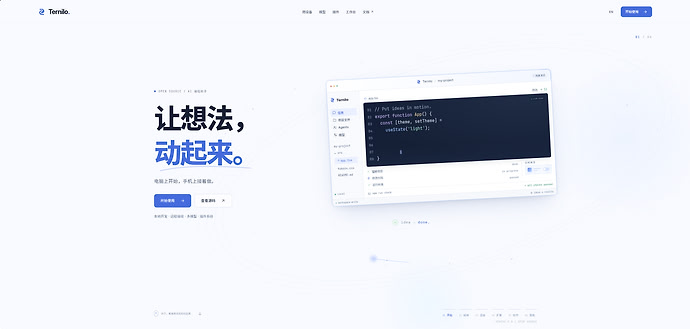
GitHub:https://github.com/mosttt/ternilo
下面是详细的介绍。
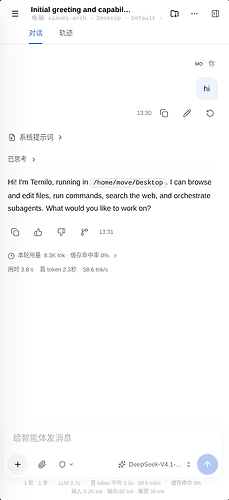
本地完整harness及可远程操作,适配移动端页面
- 本地ternilo:完整harness能力,网页端和桌面端,数据全部储存在本地。
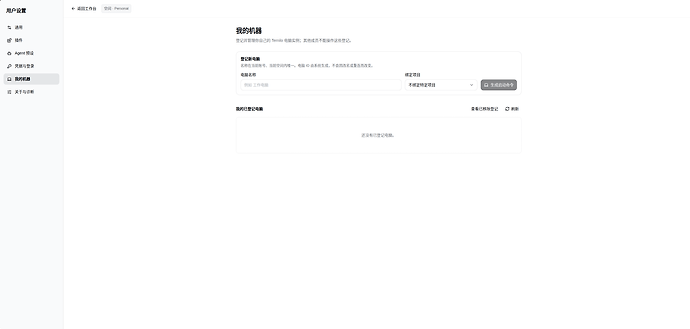
- 本地ternilo^-^远程ternilo-server:提供远程访问能力,可公网操作本地harness,并提供移动端适配。
provide流转
- 本地的provide,server账号的provide和server平台的provide相互流转。
- 本地ternilo通过ternilo-server可以在不同机器上互通流转。
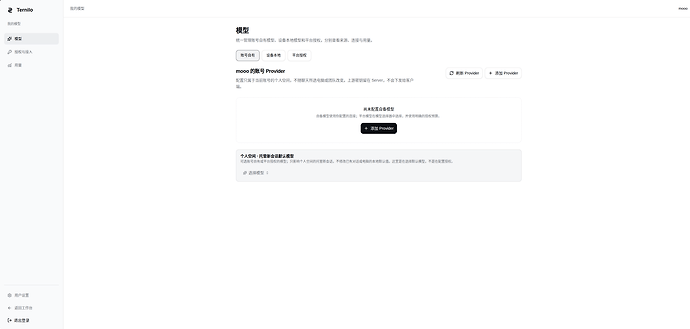
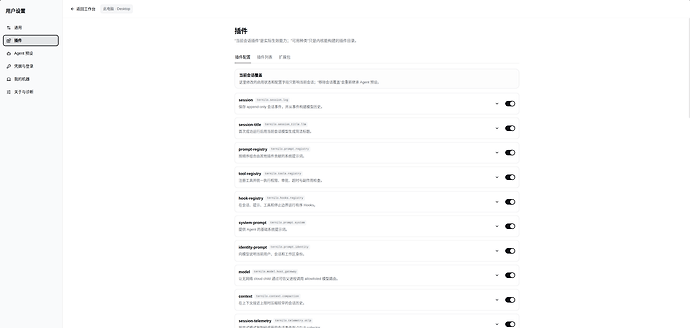
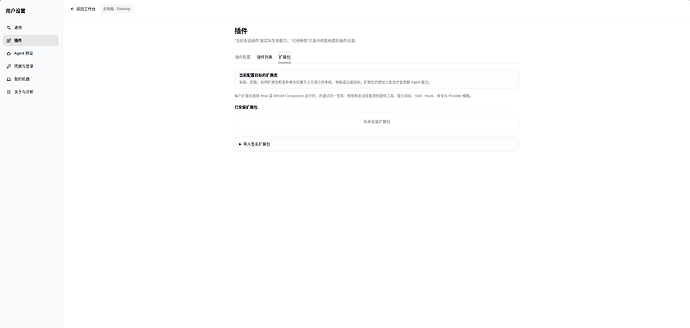
插件系统
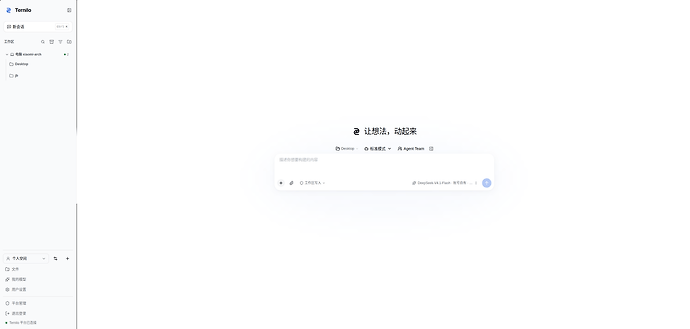
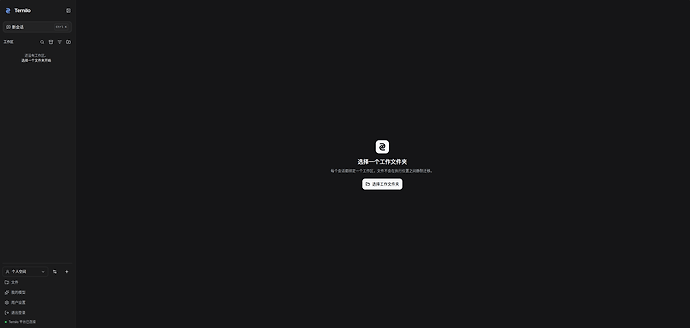
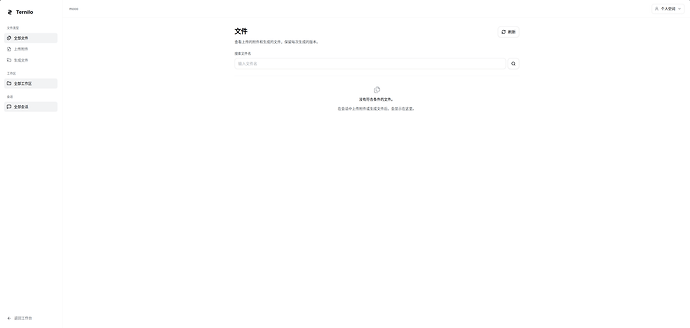
界面
部署
本地部署 Ternilo网页端
Linux / macOS:
curl -fsSL https://ternilo.com/install.sh | sh -s -- --edition browser
Windows (PowerShell):
& ([scriptblock]::Create((irm https://ternilo.com/install.ps1))) -Edition browser
桌面端直接改成edition desktop。
服务器部署 Ternilo-Server
name: ${TERNILO_DEPLOY_PROJECT:-ternilo-server}


services:

  server:

    image: ${TERNILO_IMAGE:-ghcr.io/mosttt/ternilo-server:latest}

    command: [server, serve, --config-dir, /var/lib/ternilo]

    restart: unless-stopped

    stop_grace_period: 30s

    environment:

      - TERNILO_SERVER_MANAGED_EXECUTION_ENABLED=${TERNILO_SERVER_MANAGED_EXECUTION_ENABLED:-false}

    ports:

      - "${TERNILO_SERVER_HTTP_BIND_ADDRESS:-127.0.0.1}:${TERNILO_SERVER_HTTP_PORT:-4321}:4321"

    volumes:

      - ./data:/var/lib/ternilo

    user: "0:0"

    healthcheck:

      test: [CMD, curl, --fail, --silent, http://127.0.0.1:4321/readyz]

      interval: 10s

      timeout: 5s

      retries: 12

    read_only: true

    tmpfs:

      - /tmp:size=64m,mode=1777

    cap_drop: [ALL]

    # Tini forwards shutdown signals to the unprivileged Server process.

    cap_add: [CHOWN, DAC_READ_SEARCH, KILL, SETUID, SETGID, SETPCAP]

    security_opt: [no-new-privileges:true]
也可以直接打开https://server.ternilo.com体验,支持linux do登录。
求star:GitHub - mosttt/ternilo: Open-source AI assistant for your files and tools. Work locally, continue from your phone, choose your models, and extend with plugins. · GitHub



 shuishen49 10-06 23:302楼
 inward 10-06 23:566楼